 Zhcloudlink
Home / Solutions / Smart lockers are redefining temporary storage in public spaces
Solutions
Smart lockers are redefining temporary storage in public spaces
In high-traffic venues such as shopping malls, stadiums, schools, gyms and transit hubs, temporary storage is a real need—yet traditional lockers are still stuck in the "paper ticket plus key" era. Paper tickets get lost, mechanical keys get copied, administrators have no visibility into cell usage, overtime occupancy goes unmanaged, and both complaints and operating costs keep rising. A smart locker system exists to solve exactly these problems: it integrates identity authentication, cell manag
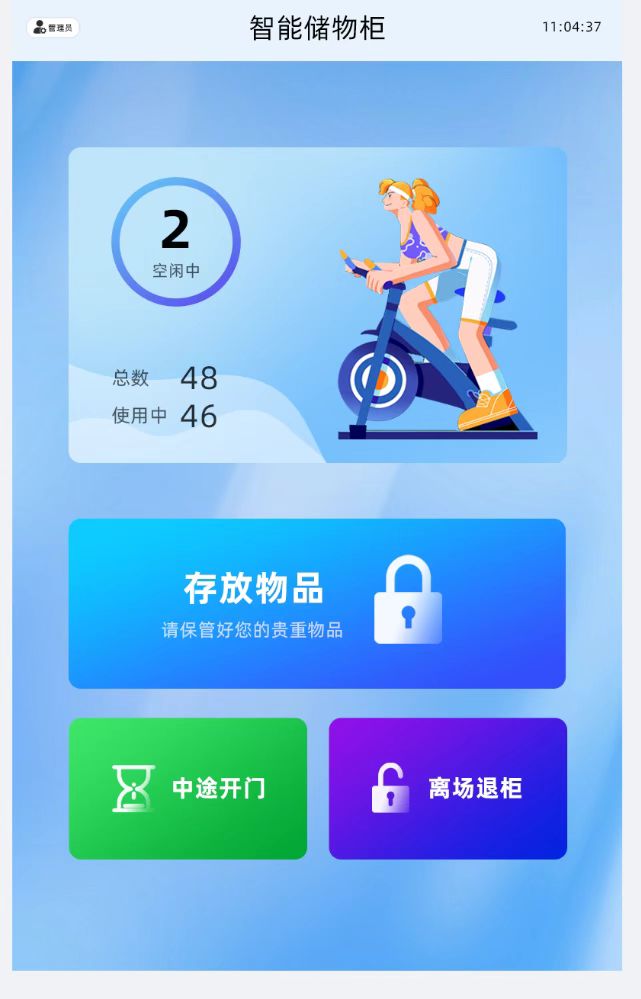
The core of this solution is a multi-modal authentication system led by face recognition, supported by fingerprint and password. A user walks up to the cabinet and selects "Face Deposit." The terminal performs liveness detection and face feature extraction locally, then matches against a local 1:N template library—from capture trigger to lock-open command in under 2 seconds. Liveness detection rejects photos, videos and screen replays, ensuring that only a real person present can open a locker. For users who prefer not to use face recognition, the system also supports fingerprint deposit and pickup—a semiconductor capacitive fingerprint sensor with liveness detection prevents spoofed fingerprints. Password deposit and pickup is also available: users set their own 6-digit code, stored as a bcrypt hash, never in plaintext. All three methods coexist, but a single method is bound at deposit time to avoid credential conflicts; a backup password can optionally be enabled at pickup to improve fault tolerance—for example, if the face recognition device is temporarily out of service, the user can still retrieve their belongings.
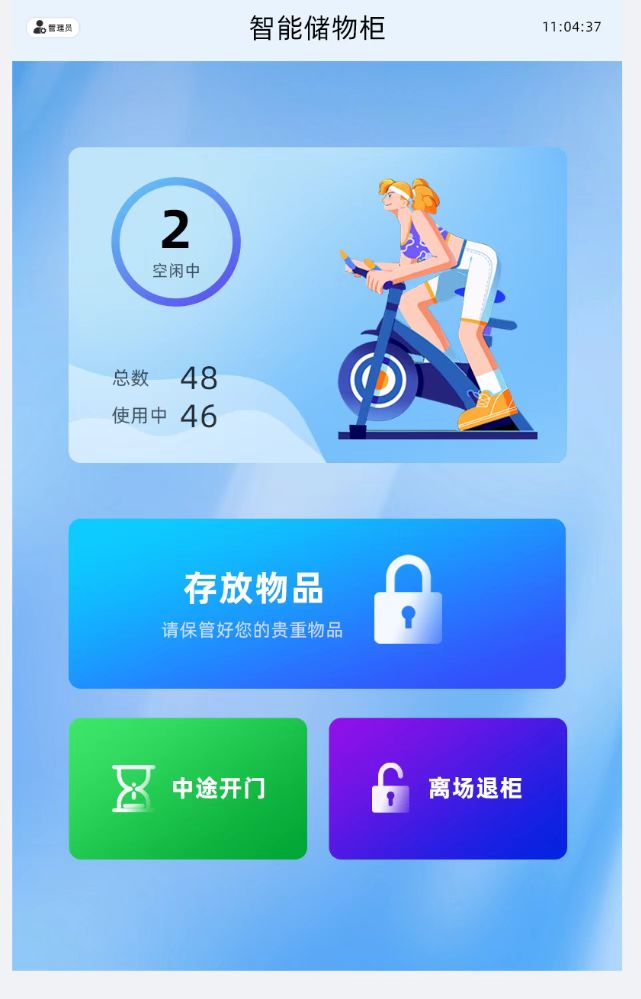
Overtime storage management is what sets this system apart from ordinary electronic cabinets. The system supports configuring free storage duration per cabinet group—4 hours, 8 hours or 24 hours, for example. When storage time reaches 80% of the free duration, the system sends an SMS reminder if the user provided a phone number; the next time the user operates the terminal, the screen displays their overtime records and amount due. Billing supports hourly charging, daily caps and tiered rates, with parameters configured by backend administrators and differentiated per cabinet group. At pickup, if there is an outstanding balance, the terminal displays a payment QR code and the locker opens only after successful payment; if payment fails or times out, the door stays locked and the pending-payment state is recorded. For users who exceed 72 hours and cannot be contacted, administrators can initiate a forced-clear procedure in the backend, requiring both an admin password and backend approval, with a full disposal log generated—protecting operational order while staying compliant.
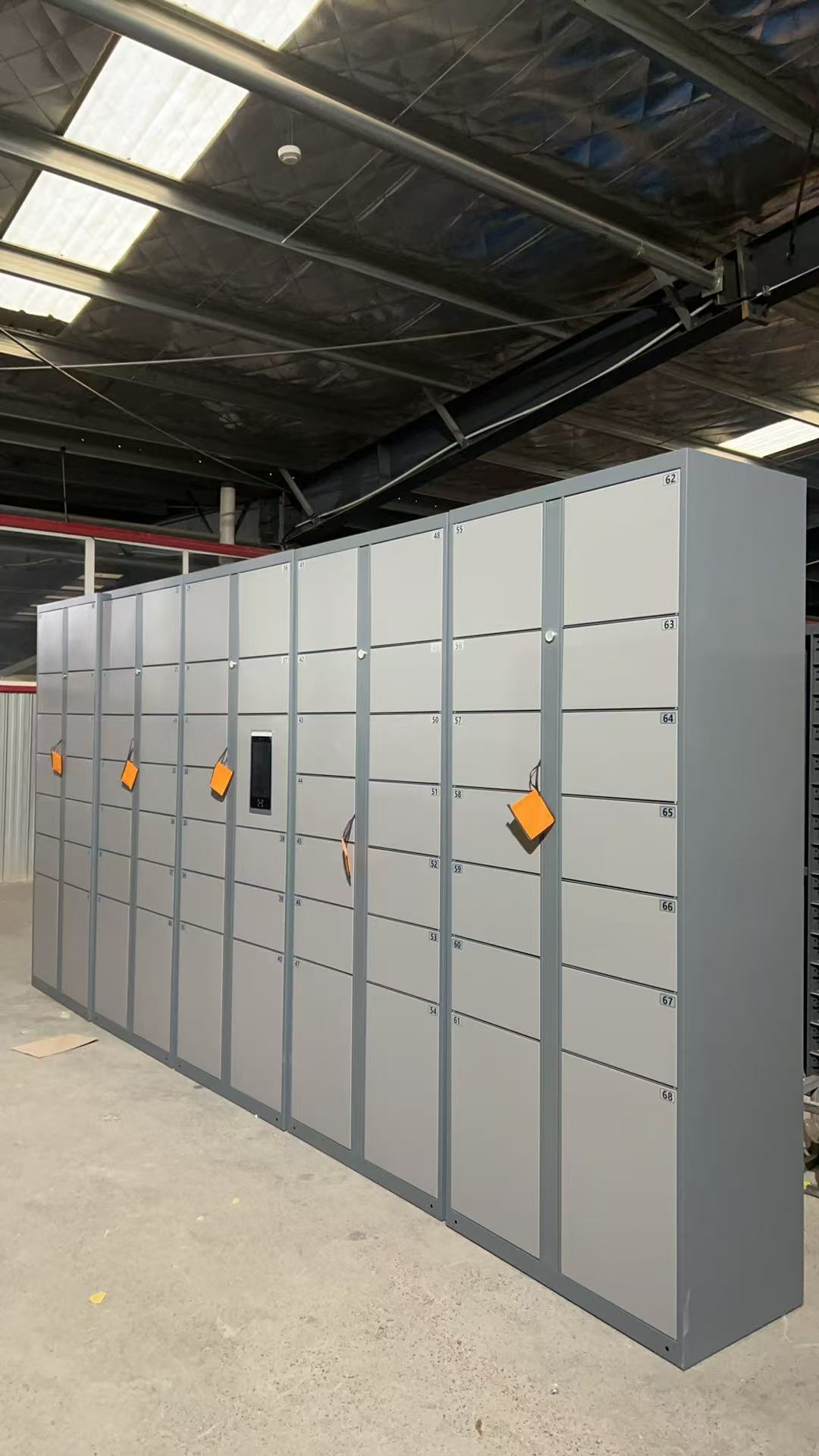
User analytics and operational insight make management visible. The backend aggregates deposit counts, pickup counts, unique users and currently occupied users by day, week, month or custom period, broken down by face, fingerprint and password authentication; it also calculates cell turnover rate, average storage duration, overtime share and hourly peak distribution heatmaps. These numbers are not decoration—they directly answer the questions operators care about most: which time slots run out of cells, which authentication method is most popular, how much overtime revenue contributes, and which cabinet needs expansion or relocation.
Offline degradation and security design are the foundation for reliable public-space operation. Network fluctuation is normal in public venues, so the terminal includes a local business engine: when the backend is unreachable for more than 30 seconds, it switches to offline mode, face and fingerprint matching use the locally cached template library, deposit and pickup continue as usual, events are written to a local SQLite queue, and once the network recovers they are batch-synced in chronological order with idempotent processing on the backend. On the security side, face and fingerprint templates are stored encrypted and irreversible; communication uses MQTT over TLS with mutual certificate authentication; administrator remote lock-opening requires two-factor verification and is written to an undeletable audit log; forced-door, door-left-open, repeated authentication failure and terminal-offline anomalies all trigger backend alerts.
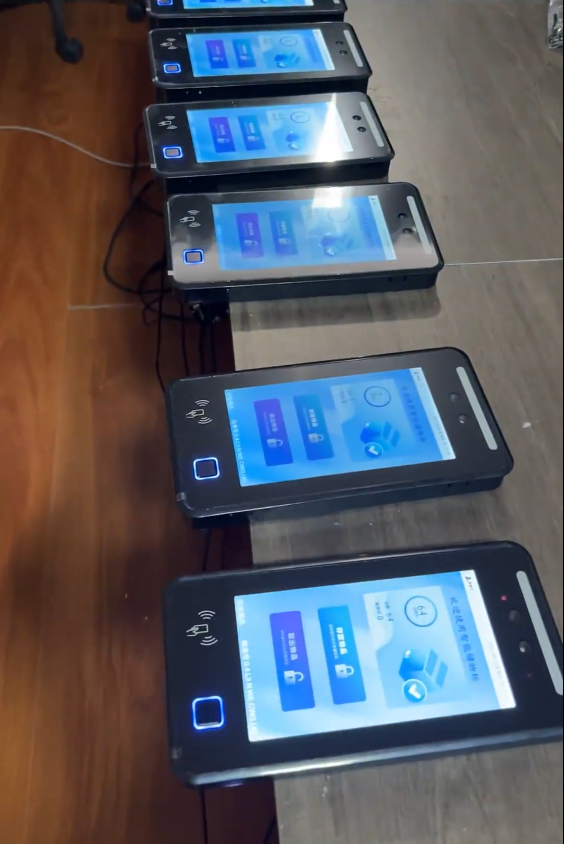
From the user experience side, deposit or pickup completes within three steps on the main screen, with on-screen prompts and voice announcements guiding success, overtime notices and "please close the door" reminders. From the operations side, cell status is visible in real time, remote lock-opening is fully traceable, reports export to CSV/Excel, and parameters are remotely configurable. A smart locker system is essentially a closed loop of authentication, cabinet control, billing, data and operations—taking temporary storage in public spaces from "usable" to "usable, manageable and accountable."
If you are planning storage facilities for a mall, venue, school or transit hub, start from requirements: define free duration and billing strategy first, then decide the authentication mix and cell count, and finally use backend analytics to continuously optimize locations and rules. A smart locker is not an isolated device—it is a system that evolves with operational data, and that is its greatest advantage over traditional lockers.
Questions
What deposit and pickup methods does the smart locker support? What if face recognition fails?
The system supports three methods: face recognition, fingerprint and password. Face recognition includes liveness detection; after 3 consecutive failed matches, that authentication method is locked for 5 minutes, and the user can switch to fingerprint or password pickup. If a backup password was configured at deposit time, it can also be used for pickup. When the terminal is offline, local matching and lock-opening still work, so normal use is not affected.
How is overtime storage billed? What happens if the user does not pay?
The system supports hourly charging, daily caps and tiered rates, with free duration and rates configured per cabinet group in the backend. At pickup, if there is an outstanding balance, the terminal displays the amount due and a payment QR code, and the locker opens only after successful payment; if payment fails or times out, the door stays locked and the pending-payment state is recorded. For users exceeding 72 hours who cannot be contacted, administrators can initiate a forced-clear procedure with dual authorization in the backend, with a full disposal log generated.
What data can the backend analyze? Can the system still be used when the network is down?
The backend aggregates deposit and pickup counts, unique users and currently occupied users by day/week/month/custom period, broken down by face, fingerprint and password, and also provides cell turnover rate, average storage duration, overtime share and hourly peak distribution. When the network is down, the terminal automatically switches to local mode: face and fingerprint matching use the locally cached template library, deposit and pickup continue normally, events are queued locally, and after the network recovers they are batch-synced with idempotent processing on the backend.