 Zhcloudlink
Home / News / No Dedicated Face-Recognition Cameras, No High-Compute Server—This Contactless Attendance System Lets People “Clock In Simply by Walking Through”
News
No Dedicated Face-Recognition Cameras, No High-Compute Server—This Contactless Attendance System Lets People “Clock In Simply by Walking Through”
Reuse ordinary network cameras and run the system on one ordinary Windows PC. It supports long-distance, contactless, walk-through attendance without stopping or touching any device, and can be extended with AI analytics such as fall detection and people counting.
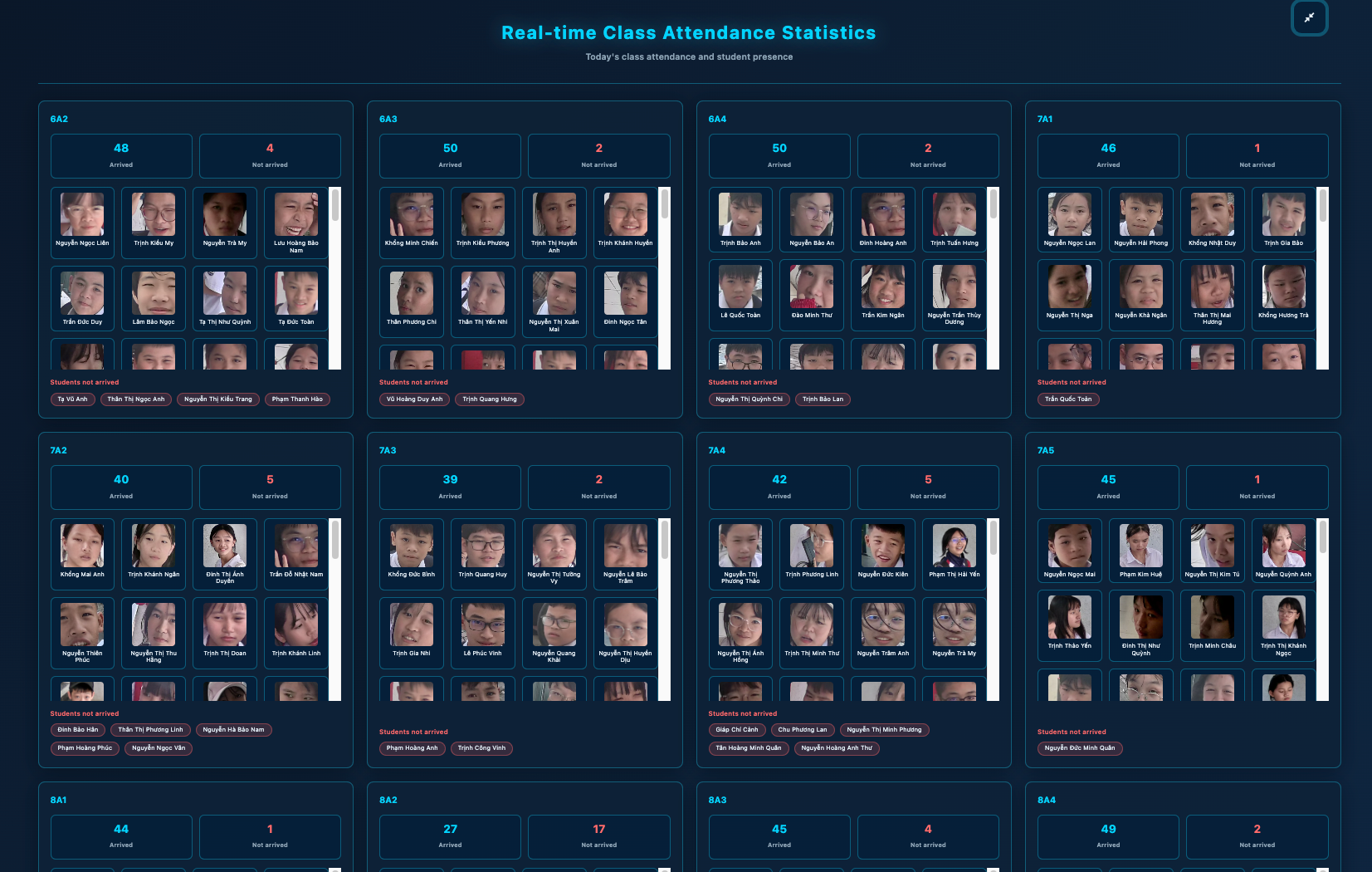
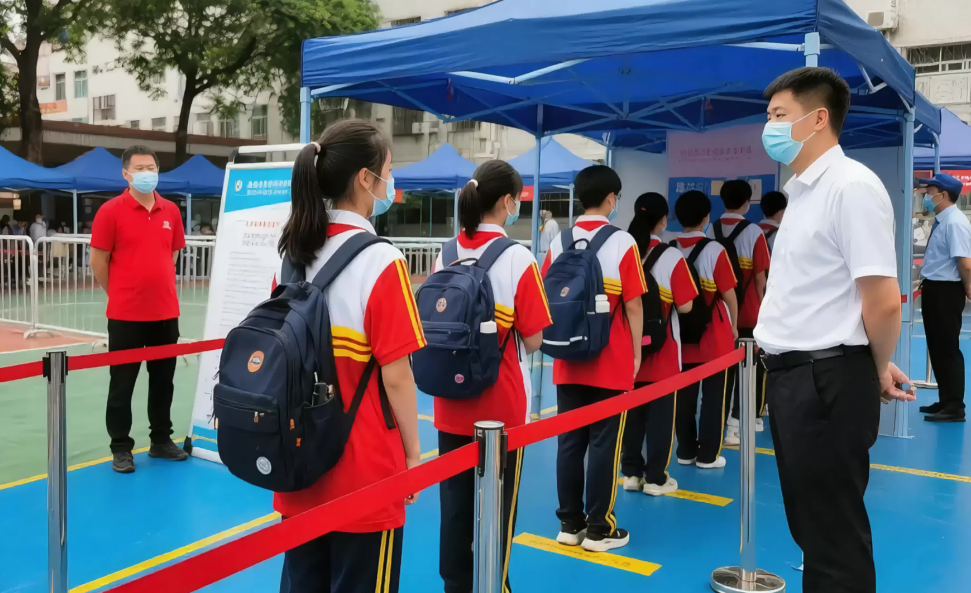
In many schools and enterprises, attendance looks like a small administrative task, but it often becomes a real bottleneck in daily operations and user experience. At a school gate during the morning rush, students queue to swipe cards or stand in front of a face-recognition terminal; the longer the queue, the more congestion it creates. In an enterprise lobby or office entrance, employees forget their ID cards, their phones run out of battery, proxy clock-ins happen, and people line up to punch in. Traditional access-control upgrades often involve cabling, construction, dedicated devices, and ongoing maintenance, which can be costly. Managers want attendance to be accurate and timely, while students and employees want the process to be natural and unobtrusive—not something that interrupts their normal movement.
This contactless attendance system is designed around four practical ideas: less renovation, lightweight deployment, truly contactless operation, and strong scalability. It uses face-recognition technology and supports long-distance, contactless, walk-through attendance without stopping or touching any device. Students and employees do not need to stop deliberately and align themselves with a terminal, nor do they need to swipe a card or touch any equipment. As they walk normally through the area covered by a camera, the system performs face detection, feature extraction, and face comparison. The comparison result becomes a passage record, which is then evaluated by attendance rules to automatically generate attendance records.
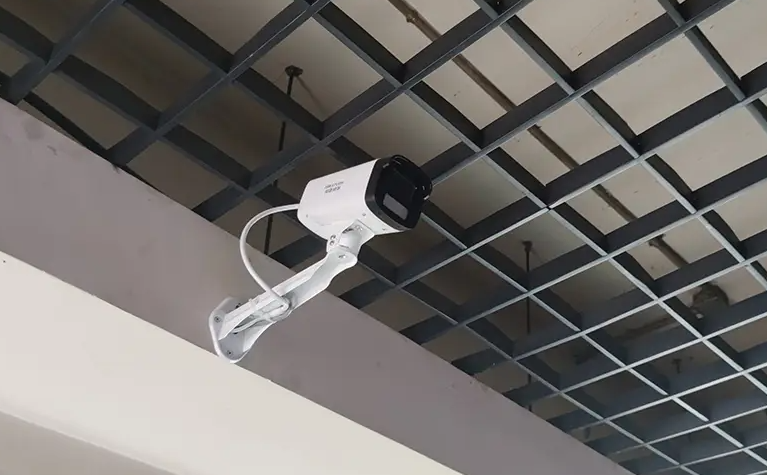
Unlike many solutions that rely on dedicated face-recognition cameras, high-compute servers, and access-control gates, this system significantly lowers the barrier to contactless attendance. It does not require new dedicated face-recognition cameras or access-control renovation. Instead, it can search for ordinary network cameras on the local area network, obtain their video streams, and reuse cameras that are already installed. In other words, schools and enterprises do not need to build another camera system just for attendance; existing video resources can become attendance checkpoints. The system only needs one ordinary Windows PC to install and run, without an additional high-compute server. Deployment is lighter, and maintenance is simpler.
From a technical perspective, this is not simply “capturing an image and comparing faces.” It is a complete video-stream processing workflow. First, the system searches for ordinary cameras on the LAN and obtains their video streams. Second, it uses the PC’s hardware decoding capability to decode the video streams and sends the decoded frames to the face-recognition algorithm model. Third, the algorithm performs real-time face detection, feature extraction, and face comparison on the video stream. Fourth, the comparison results form passage records, which are then evaluated by attendance rules to generate attendance records. The system can continuously process video streams rather than relying on manual triggers or contact-based operations, enabling a truly contactless walk-through experience.
Hardware decoding is one of the keys to the system’s lightweight design. An ordinary Windows PC can handle contactless attendance because the system makes full use of the PC’s built-in hardware decoding capabilities, such as GPU decoding and integrated-graphics acceleration. This offloads video decoding from the CPU, reduces overall resource consumption, and allows the face-recognition algorithm to focus on detection, feature extraction, and comparison. As a result, schools and enterprises do not need to purchase expensive high-compute servers just for a few camera channels, nor do they need to make the system unnecessarily complex. For small and medium-scale scenarios, one ordinary Windows PC can handle installation, operation, and management. For larger scenarios, the system can scale smoothly through distributed deployment across multiple PCs, with cameras connected by area.
At the business level, the system does not stop at “a face was recognized.” It separates passage records from attendance records. After a successful face comparison, the system creates a passage record. It then applies attendance rules—such as working hours, late arrival and early departure, multiple shifts, overnight shifts, leave, overtime, duplicate-passage deduplication, and time windows—to produce attendance records that better fit management requirements. For schools, attendance can be managed by student, class, grade, and campus. For enterprises, it can be managed by department, employee, shift, and office area. Attendance results can be exported, integrated, or further developed to work with existing management systems.
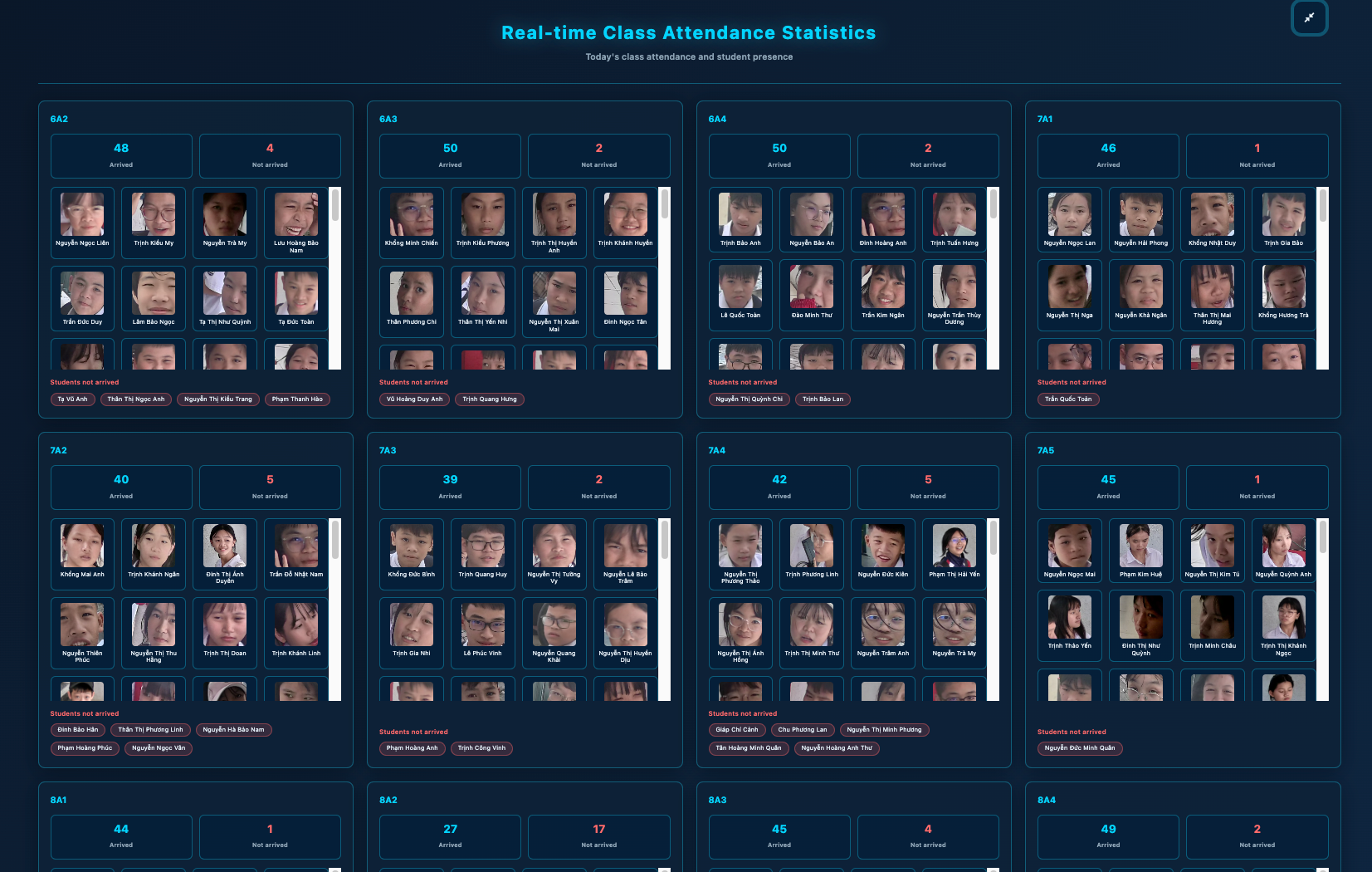
The system is suitable for clear and practical scenarios. In schools, ordinary network cameras are often already installed at gates, teaching-building entrances, dormitory entrances, library entrances, and cafeteria passages. By reusing these cameras, the system can provide contactless attendance as students walk normally, reducing congestion caused by card-swipe queues and lowering the hygiene and maintenance pressure of contact-based devices. In enterprises, the same approach can be applied at office entrances, lobbies, workshop passages, and campus passages. Employees do not need to change their walking habits, and managers do not need to overhaul the access-control system. Deployment is lighter, and acceptance is usually higher.
The system also supports camera stream pushing and national-standard video platform integration. This means it can be used not only as a standalone contactless attendance system but also in coordination with an existing video surveillance environment. For schools and enterprises that already have a video platform, the system can fit into the existing video ecosystem and reduce information silos. At the same time, the system is highly scalable. It can be extended with AI analytics such as fall detection and people counting. In other words, today it is a contactless attendance system; tomorrow it can gradually become part of a broader AI application for campus safety, campus management, and people-flow analysis. This “solve the high-frequency need first, then expand gradually” approach is often easier to implement than a one-time large-scale construction project, and it is easier to demonstrate real value.
From a return-on-investment perspective, the advantages are mainly in three areas. First, reusing existing ordinary network cameras reduces duplicate camera purchases and construction costs. Second, running on an ordinary Windows PC reduces the cost of high-compute servers. Third, lightweight deployment and simple maintenance reduce ongoing operational pressure. For schools and enterprises with limited budgets but a strong desire to improve attendance experience, this lightweight approach is easier to start and easier to show results in a short period. It does not pursue “stacking hardware”; instead, it emphasizes using the right amount of computing power for the right task and making full use of existing resources.
Of course, contactless attendance is not magic that works perfectly the moment it is installed. Actual performance is affected by camera resolution, installation angle, lighting conditions, backlight, side faces, occlusion, face-database size, PC configuration, and algorithm parameters. Therefore, a responsible deployment should include site surveys, camera access testing, face-database import, attendance-rule configuration, trial operation, and acceptance. The system is suitable for improving efficiency in normal walk-through scenarios, but recognition zones, time windows, and thresholds should be set properly to avoid mistaking “passing by” for “attendance.” For schools and enterprises, it is advisable to start with a small-scale pilot, verify recognition performance and business processes, and then expand coverage gradually. This pragmatic approach is more reliable than chasing a polished demo.
Privacy and compliance also deserve serious attention. Schools and enterprises should clearly inform users of the purpose of attendance, the scope of data collection, how data will be used, and the retention period, and should obtain necessary authorization and consent. They should follow the principle of minimum necessity, collecting only the face features and passage information required for attendance. Face data should be encrypted, access should be role-based, and logs should be audited so that unauthorized people cannot access data at will. A reasonable data-retention period should be set, with deletion or anonymization after expiration. The system’s support for local deployment also helps reduce the risk of data leakage. The value of contactless attendance is to improve management efficiency and the walk-through experience, not to collect information without boundaries. Only when it is compliant, transparent, and controllable can contactless attendance work reliably over the long term.
Overall, the core selling points of this contactless attendance system can be summarized in three sentences: no dedicated face-recognition cameras are required—ordinary cameras are enough; no high-compute server is required—an ordinary PC is enough; and scalability is strong, with support for additional AI analytics such as fall detection and people counting. With a lower hardware barrier, a more natural walk-through experience, and flexible expansion, it offers schools and enterprises a more practical path to contactless attendance. For managers troubled by clock-in queues, proxy attendance, device maintenance, and access-control renovation costs, this is not a massive overhaul—it is an upgrade that reuses existing resources and delivers results quickly. Walk through normally, and attendance is done—that is what contactless attendance should feel like.
Questions
Does the system require replacing or installing dedicated face-recognition cameras?
No. The system can search for ordinary network cameras on the LAN and obtain their video streams, reusing existing network cameras. There is no need to install dedicated face-recognition cameras or renovate the access-control system. In practice, the cameras need to provide accessible video streams and the necessary network permissions.
Is a high-compute server required?
No. The system only needs one ordinary Windows PC to install and run. It uses the PC’s hardware decoding capability to process video streams and sends decoded frames to the face-recognition algorithm for real-time detection, feature extraction, and comparison. For larger scenarios, multiple PCs can be deployed in a distributed manner to scale smoothly, rather than relying on a single high-compute server.
How are attendance records generated?
Face comparison results first form passage records. The system then applies predefined attendance rules—such as working hours, late arrival and early departure, multiple shifts, overnight shifts, duplicate-passage deduplication, and time windows—to generate attendance records. Passage records are not the same as attendance conclusions; a rules engine handles the business evaluation in between.
Can the system integrate with existing video platforms and support additional AI capabilities?
Yes. The system supports camera stream pushing and national-standard video platform integration, making it easy to coordinate with existing video environments. It can also be extended with AI analytics such as fall detection and people counting, allowing one system to deliver more intelligent management value.
What factors affect contactless attendance performance?
Actual performance depends on camera resolution, installation angle, lighting conditions, backlight, side faces, occlusion, face-database size, PC configuration, and algorithm parameters. It is recommended to conduct a site survey and pilot verification first, then expand coverage gradually. Properly configuring recognition zones, time windows, and thresholds can help reduce false positives and missed detections.